
MEMBERSHIP · USD 25 · ~300 DAYS
Sign and install iOS apps on your iPhone.
No Mac. No cable. No Xcode. iPASTORE is an on-device codesigning utility — it re-signs and installs the IPA files you supply, directly on your iPhone or iPad.
Activation typically takes 24–72 hours. What to expect →
One registered device · approximately 300 days · Full revoke coverage
Version 6.9.55.4 MBiOS 13.0+iOS 26 readyiPhone + iPad UniversalDelivery 24–72h
Bring your own IPA
iPASTORE does not host, develop or sell applications. You supply the file — it does the signing.
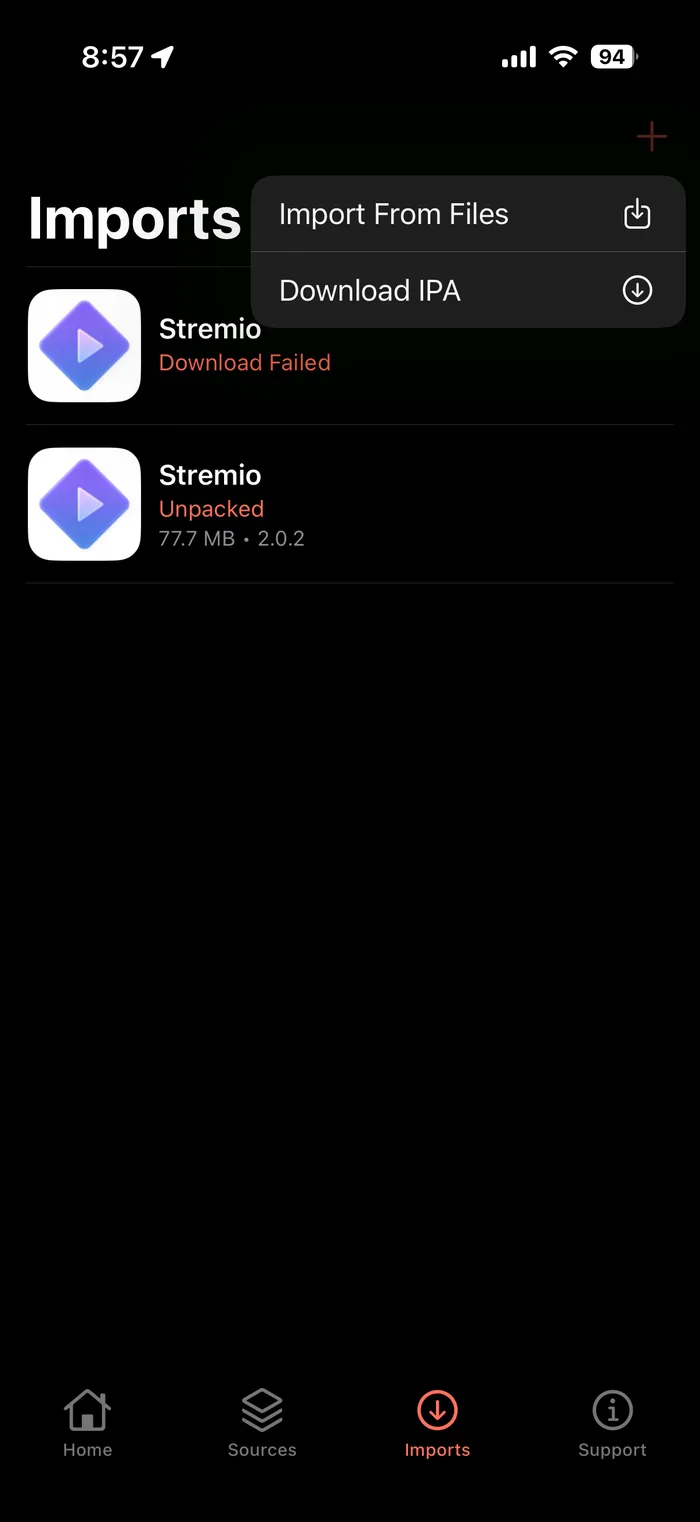
- Import straight from the Files app
- Download an IPA by direct URL
- Bring files in over iTunes or iMazing
- Save from Safari and import
Or add an AltStore source
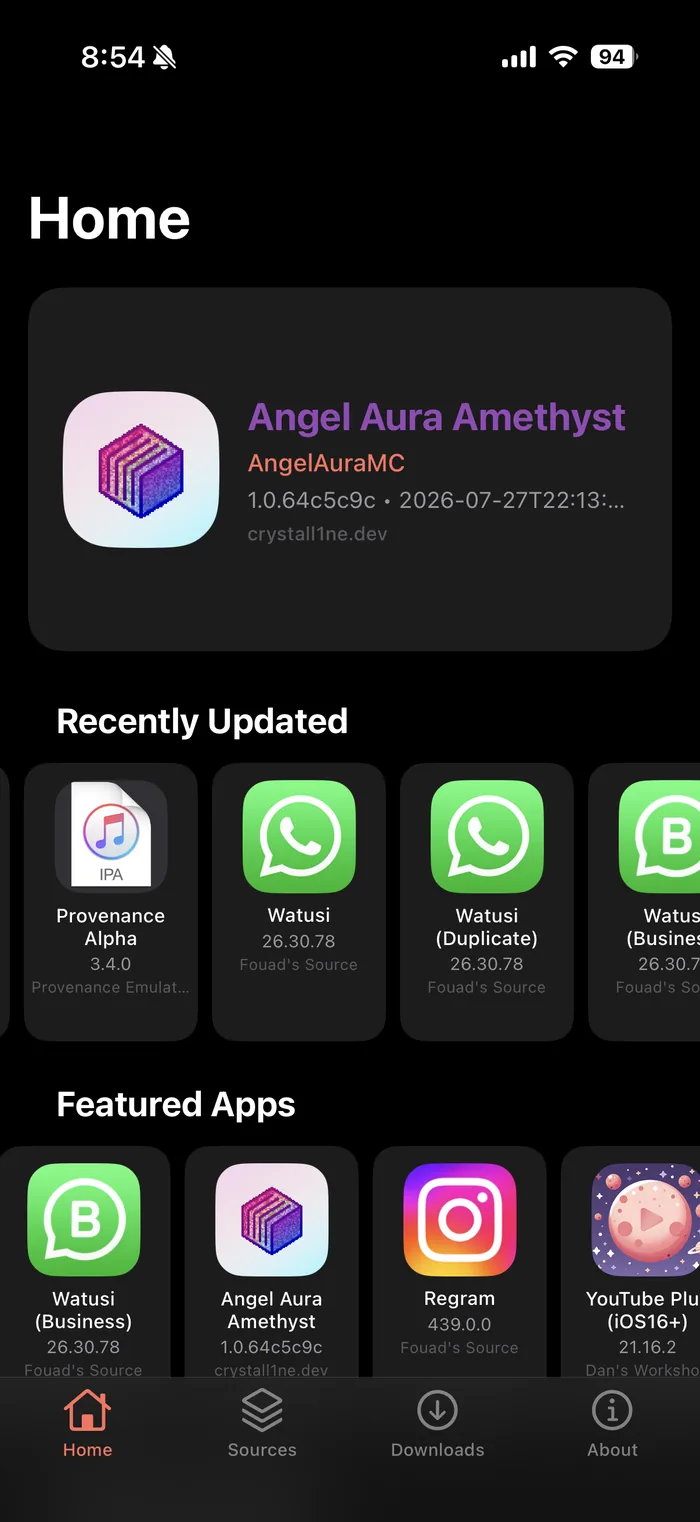
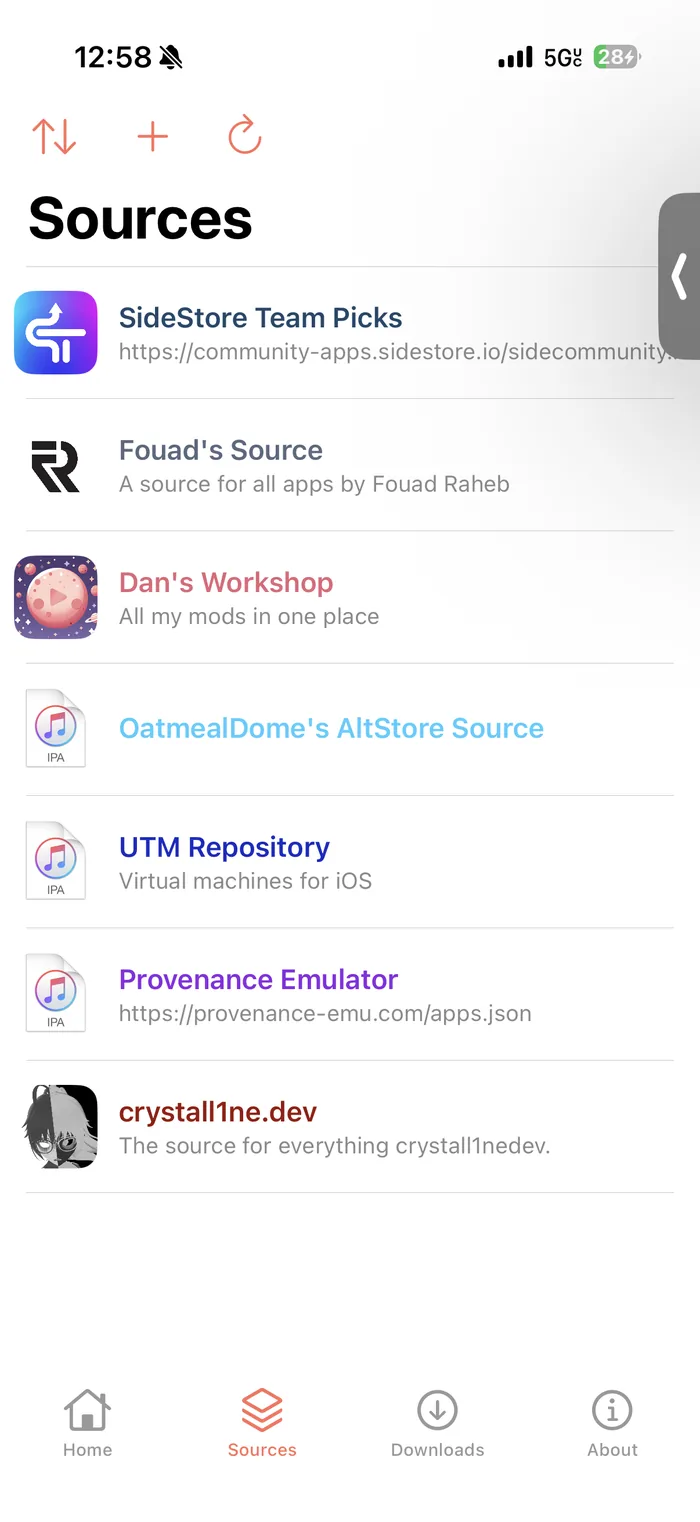
Point iPASTORE at any AltStore-format source and browse it on device. Sources are maintained by their own communities — referenced, not operated by iPASTORE.
- Full AltStore source support
- Browse, search and update in app
- Live download progress
Install it your way
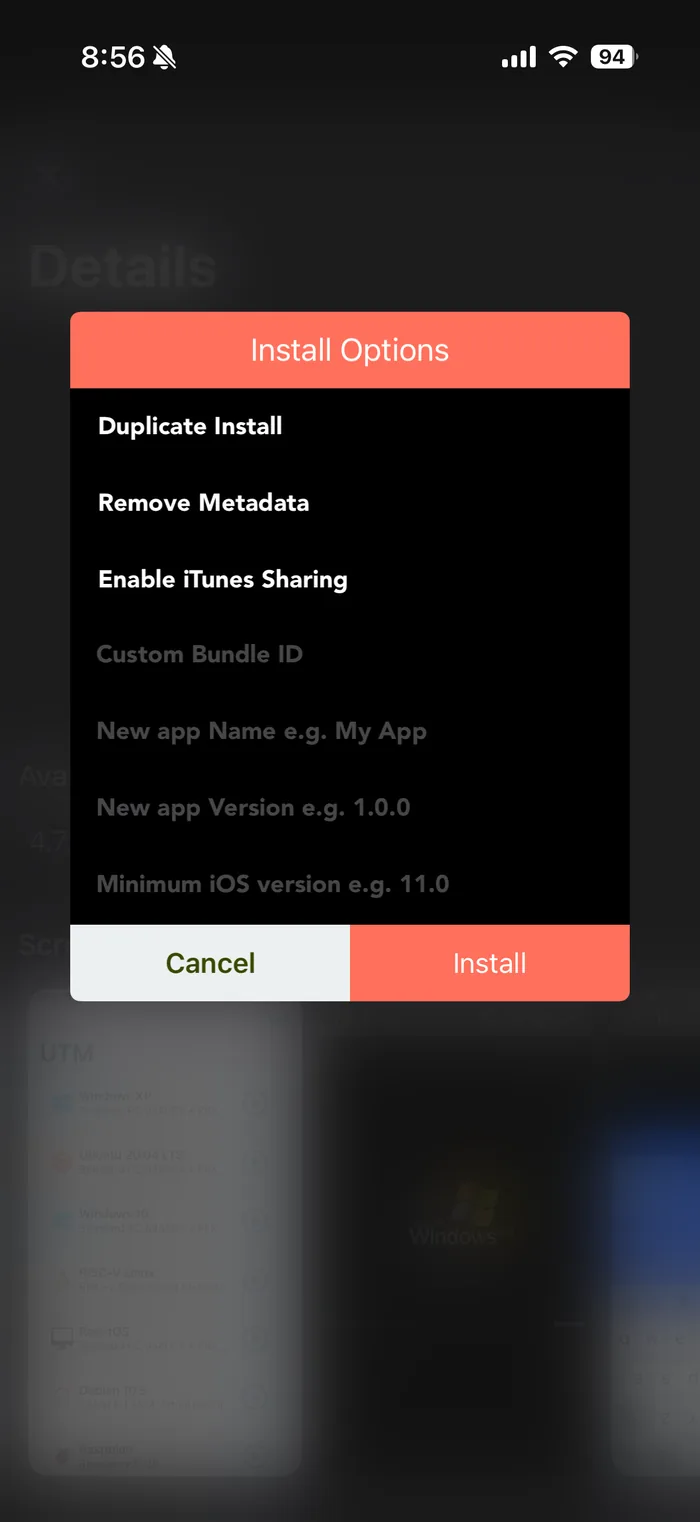
Tap Install to sign and go, or open Custom Install and change how the app lands on your device.
- Duplicate install — run two copies side by side
- Custom app name and bundle ID
- Remove metadata
- Enable iTunes file sharing
- Override version and minimum iOS
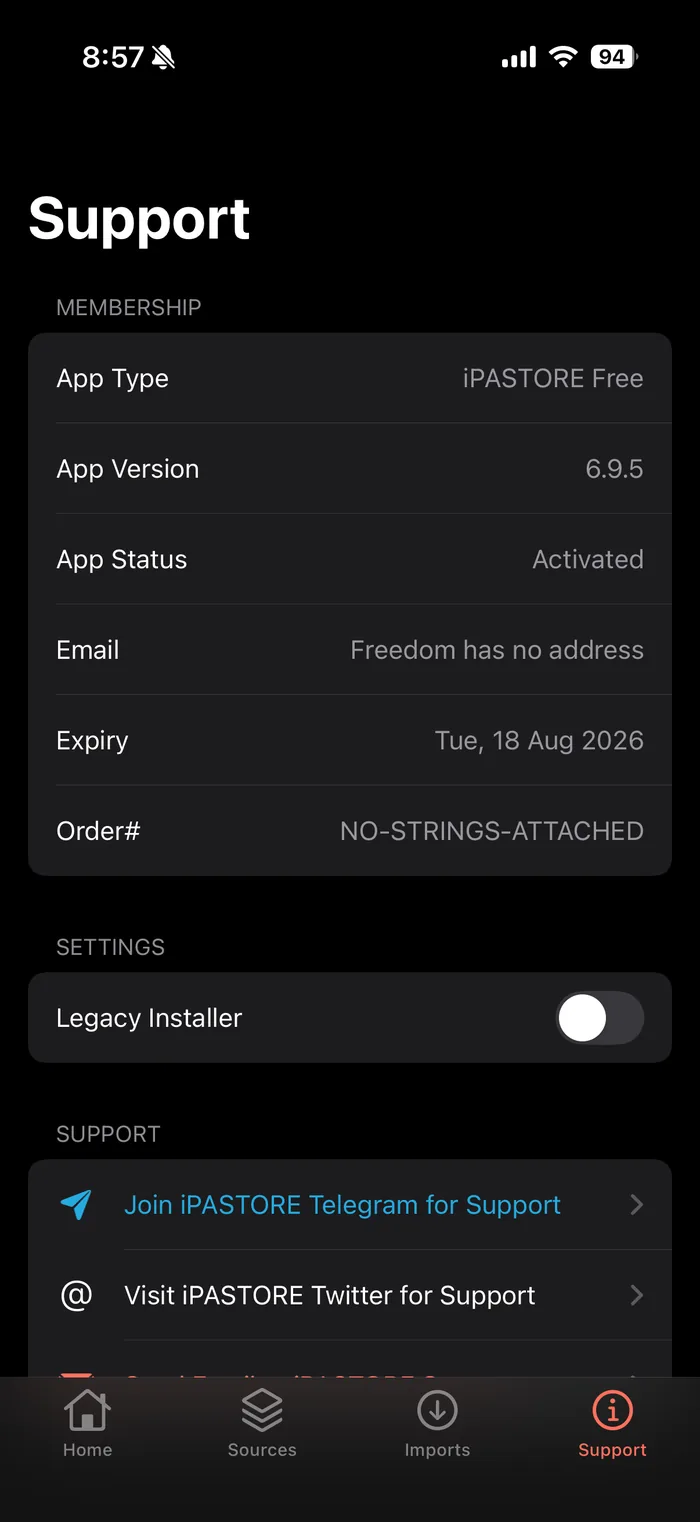
Always know where you stand
Your membership type, app version, activation status and exact expiry date are visible in the app at any time — no guessing when your term ends.
- Status and expiry date in app
- Order number for support
- Telegram, X and email support built in
WHAT YOU GET
Everything in the app
On-device codesigning
Re-sign and install without a computer, cable or Xcode.
Universal app
One membership covers iPhone and iPad on iOS 13 and later.
Files app integration
Import IPAs from Files, iTunes, iMazing or a direct URL.
AltStore sources
Add any AltStore-format source and browse it on device.
Custom IPA signing
Sign, modify and install apps you have found yourself.
Push notifications
Supported for most apps, though not guaranteed for every one.
Dark mode
Built dark, the way the rest of your device looks at night.
Home screen shortcuts
3D Touch shortcuts for the actions you use most.
THREE WAYS TO INSTALL
However you sign, it installs the same app
iPASTORE needs a signing certificate to install on your device. You can buy one from us, bring your own, or use a free one when it is available.
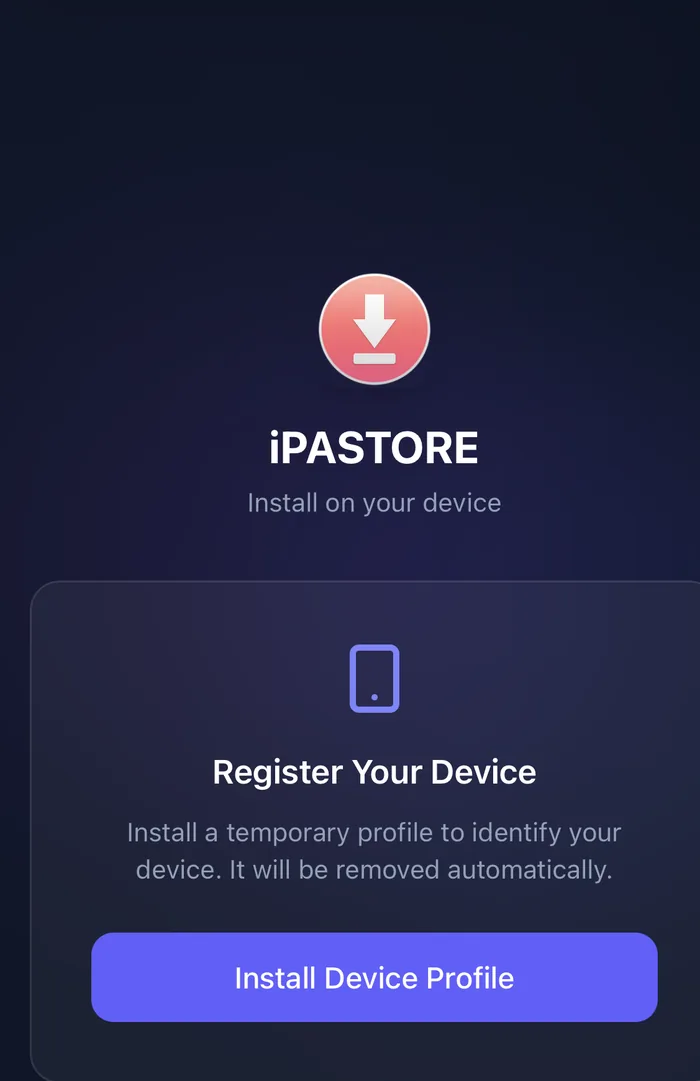
Pro · $25
Register your device
Install a short-lived profile so your device can be identified, and a certificate is issued for it. iPASTORE installs and stays signed for approximately 300 days.
You need: a membership. The profile removes itself automatically.
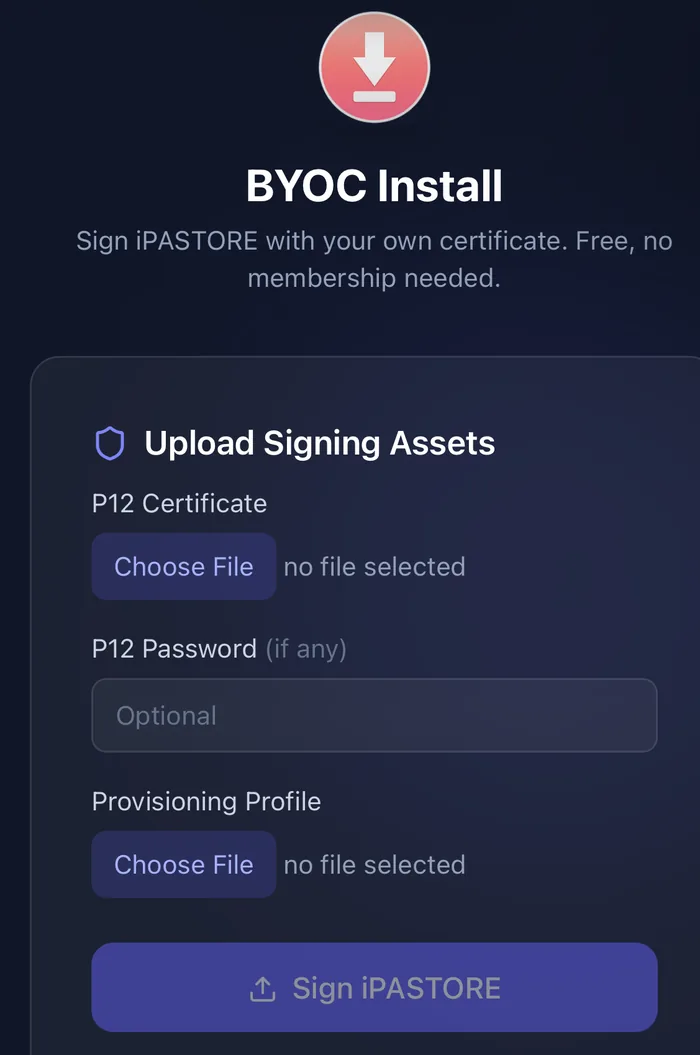
BYOC · Free
Sign with your own certificate
Upload the .p12 and provisioning profile you already hold, and iPASTORE is signed with them. No membership, no charge.
Your certificate and provisioning profile are used only to sign the iPASTORE app, then permanently deleted from our servers. Nothing is stored.
You need: your own .p12 and provisioning profile, typically from an Apple Developer account.
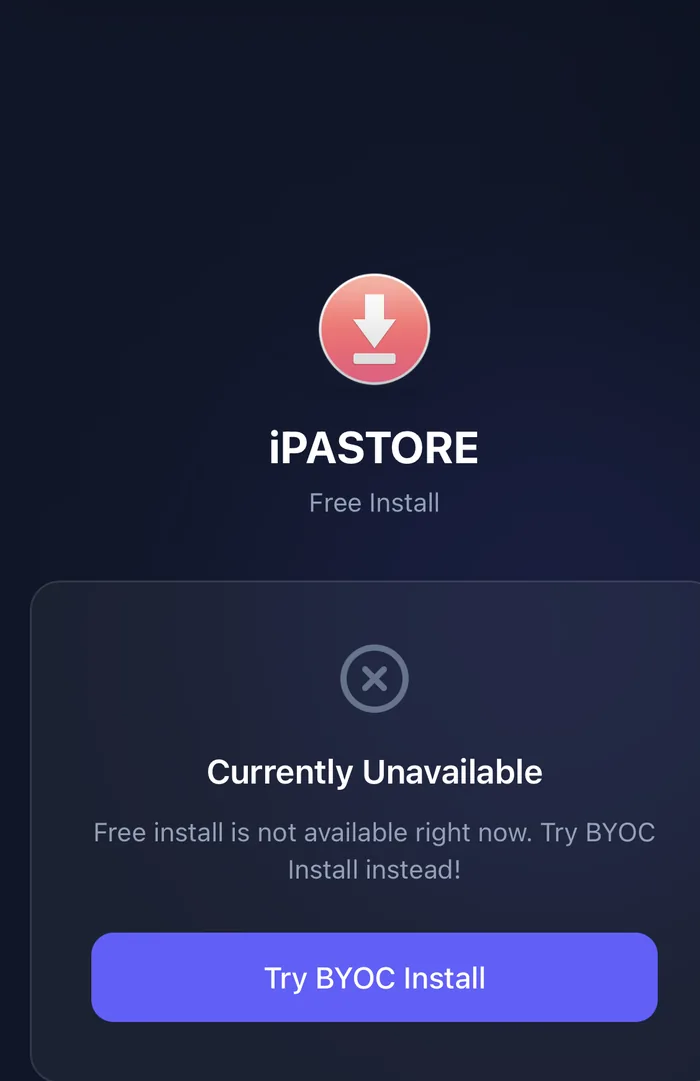
Free · When available
Install at no cost
From time to time a free signing certificate is available, and you can install iPASTORE without a membership. When none is available the page tells you plainly and offers BYOC instead.
You need: nothing — but availability comes and goes, so treat it as a bonus rather than a plan.
BEFORE YOU BUY
What to expect, and what is covered
Activation takes 24–72 hours
Apple has tightened device registration, so activation typically takes between 72 hours and 7 days, and in rare cases up to 33 days. A 14 to 30 day wait also applies when a UDID has had previous revocations, or is registered under multiple developer certificates.
Once Apple clears the hold your UDID activates and you get an email. We would rather you knew this before buying than after.
Full revoke coverage
If Apple revokes the certificate your apps were signed with during your term, and it was not caused by something you did, we re-sign your applications on a replacement certificate at no extra charge.
We then extend your membership by however long the service was unavailable. That cover runs for the full membership term.
A free SpooferPro Elite key
Every iPASTORE Pro membership includes a SpooferPro 30 Days Elite key at no extra cost.
Redeem it once you have activated and installed the iPASTORE app.
INSTALL OPTIONS
Pick how you sign
Pro activation typically takes 24–72 hours after purchase. What to expect →
ONE THING FIRST
Get your device UDID ready
Checkout asks for your Apple Device Identifier, and an incorrect one is the most common reason an order stalls. Open showmyudid.com in Safari on the iPhone or iPad you want to register, and copy the UDID it shows you.
One membership covers one registered device. Memberships cannot be transferred between devices.
Activation typically takes 24–72 hours